Avoiding Data Nightmares: Tackling Schema Variations in IoT Sensor Data with AWS Lambda
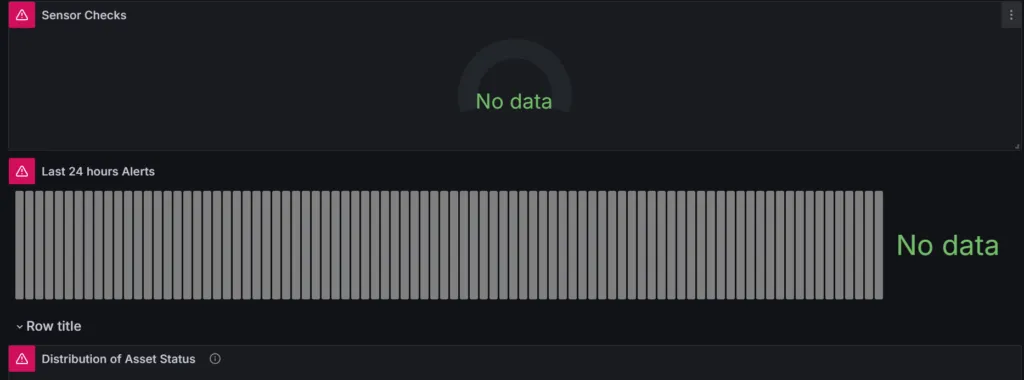
Imagine showing up to this machine learning monitoring dashboard on a Monday morning, where everything was working just fine before the close of business on Friday. It’s a nightmare scenario for everyone in the data field, particularly for data engineers and data scientists.
This usually happens when variations in data schema affect the execution of a data query. It’s even more common when you’re not completely in control of the data source or when the data comes from a third-party system. The data payload may vary depending on the features included at the point of generation.
In my experience working with sensor data, the payload often contains different schemas based on specific circumstances. Occasionally, the event payload may differ, and in some cases, the sensor could employ multiple versions of the predefined schema due to operating system updates or other factors beyond the scope of this discussion.
To handle schema and partition-related issues effectively, I recommend performing data transformation before sending it to the final data catalog. This ensures that only the relevant fields are transferred, and for any excluded fields, a predefined value like NULL is assigned. NULL values are widely recognized by query languages like SQL, helping avoid potential errors during query execution.
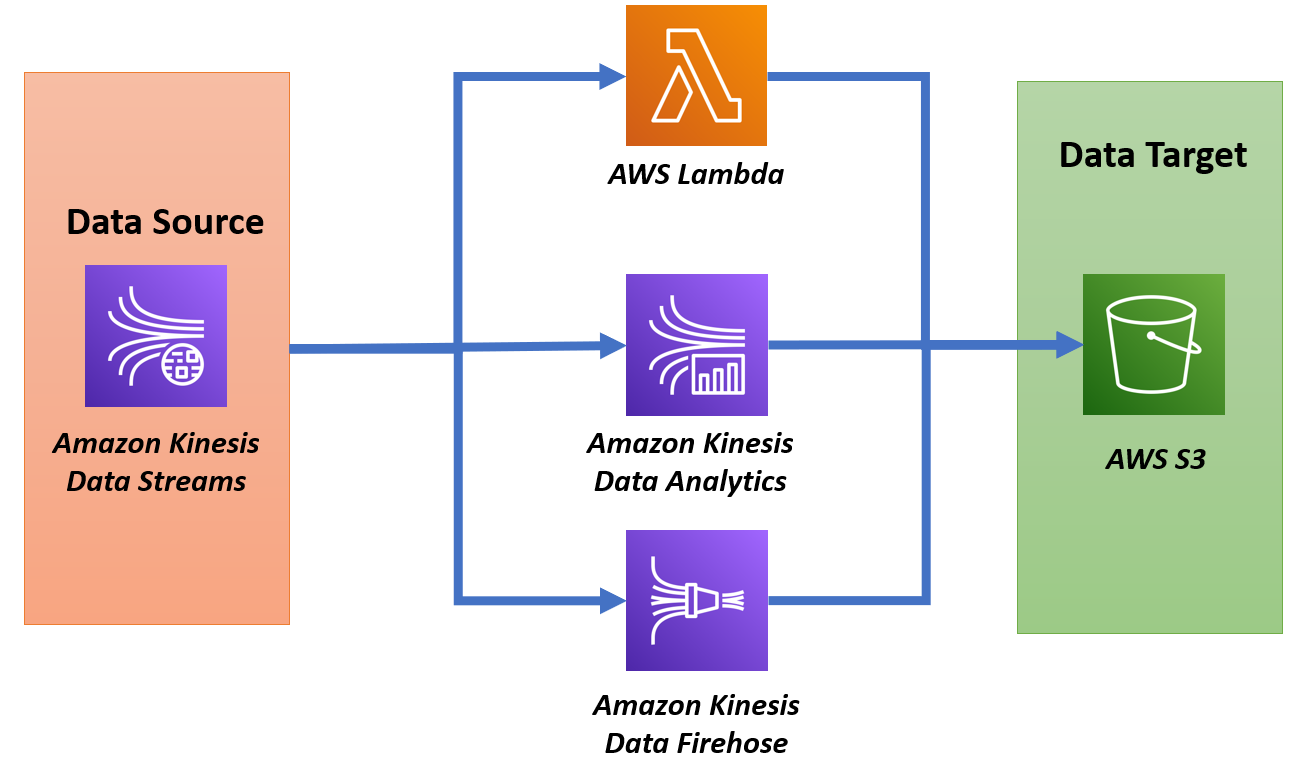
Here’s how this can be done using a Lambda function that decodes and processes data from a Kinesis stream before sending it to the final storage.
Lambda Transformation of Kinesis Stream Data
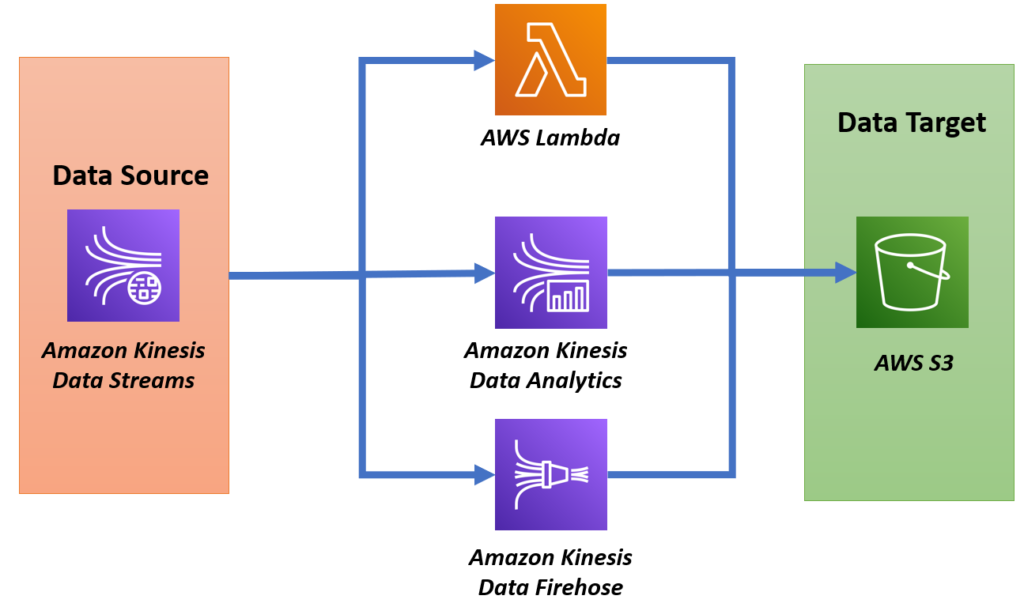
In this Lambda function, the goal is to transform incoming data from a Kinesis Firehose stream by decoding base64-encoded sensor data and restructuring it to extract important information. The function processes sensor readings, including acceleration, velocity, temperature, and classification models (vibration ISO and temperature ML), while also handling variations in the incoming schema.
Below is the code snippet with an explanation.
import base64
import json

def lambda_handler(event, context):
    output_records = []
    try:
        for record in event['records']:
            # Decode base64 data
            data = base64.b64decode(record['data']).decode('utf-8')
            event_data = json.loads(data)

            # Process the event payload
            parsed_data = process_event_payload(event_data)

            # Prepare the output record
            output_record = {
                'recordId': record['recordId'],
                'result': 'Ok',
                'data': base64.b64encode(json.dumps(parsed_data).encode('utf-8')).decode('utf-8')
            }
            output_records.append(output_record)

        return {
            "records": output_records
        }

    except Exception as e:
        print(f"Error: {str(e)}")
        return {
            "statusCode": 500,
            "body": json.dumps("Error processing data.")
        }
Explanation:
- Data Decoding:
- The Lambda function first takes the base64-encoded data from Kinesis and decodes it into a JSON string.
- This decoded JSON represents the sensor readings and metadata.
- Processing Event Payload:
- The
process_event_payload()function is responsible for extracting key pieces of information from the sensor data. - Below is the function that restructures and extracts important fields like acceleration, velocity, temperature, and classification model outputs (vibration ISO and temperature ML).
def process_event_payload(event_data):
    def safe_get(d, keys, default=None):
        for key in keys:
            d = d.get(key, default)
            if d is default:
                return default
        return d

    parsed_data = {
        "timestamp": event_data.get('timestamp'),
        "eventId": event_data.get('eventId'),
        "version": event_data.get('version'),
        "accountId": event_data.get('accountId'),
        "projectName": event_data.get('projectName'),
        "eventPayload": {
            "siteName": safe_get(event_data, ['eventPayload', 'siteName']),
            "assetName": safe_get(event_data, ['eventPayload', 'assetName']),
            "sensor": {
                "physicalId": safe_get(event_data, ['eventPayload', 'sensor', 'physicalId']),
                "rssi": safe_get(event_data, ['eventPayload', 'sensor', 'rssi'])
            },
            "features": {
                "acceleration": {
                    "band0To6000Hz": {
                        "xAxis": {"rms": safe_get(event_data, ['eventPayload', 'features', 'acceleration', 'band0To6000Hz', 'xAxis', 'rms'])},
                        "yAxis": {"rms": safe_get(event_data, ['eventPayload', 'features', 'acceleration', 'band0To6000Hz', 'yAxis', 'rms'])},
                        "zAxis": {"rms": safe_get(event_data, ['eventPayload', 'features', 'acceleration', 'band0To6000Hz', 'zAxis', 'rms'])},
                    }
                },
                "temperature": safe_get(event_data, ['eventPayload', 'features', 'temperature']),
            },
            "models": {
                "vibrationISO": {
                    "previousPersistentClassificationOutput": safe_get(event_data, ['eventPayload', 'models', 'vibrationISO', 'previousPersistentClassificationOutput']),
                    "persistentClassificationOutput": safe_get(event_data, ['eventPayload', 'models', 'vibrationISO', 'persistentClassificationOutput']),
                    "pointwiseClassificationOutput": safe_get(event_data, ['eventPayload', 'models', 'vibrationISO', 'pointwiseClassificationOutput']),
                }
            }
        }
    }

return parsed_data- Handling Schema Variations:
- The function uses a helper method
safe_get()to safely extract nested values from the JSON structure, ensuring that missing fields don’t cause errors during processing.
- Output Preparation:
- After processing the event payload, the function encodes the transformed data back to base64, which is required by Kinesis Firehose.
- The result is stored in the
output_recordslist with arecordIdand a status of'Ok', indicating successful processing.
- Error Handling:
- If an error occurs, the function catches the exception and logs it, returning an error status.
This approach allows the Lambda function to reliably decode and process the Kinesis stream data, extracting essential information for use in condition monitoring. The transformation ensures that the data is structured properly for further analysis and visualization.



748508 992946Thank you a good deal for sharing this with all men and women you in fact recognize what you are speaking about! Bookmarked. Please furthermore speak more than with my internet internet site =). We could have a hyperlink alternate arrangement among us! 898655