How to Get Started with Amazon Monitron: A Step-by-Step Guide
If you’re considering Amazon Monitron for your condition monitoring needs, you’re making a smart choice. However, setting up any new technology can feel daunting. That’s why we’ve put together this step-by-step guide to help you get the most out of your Monitron system from day one
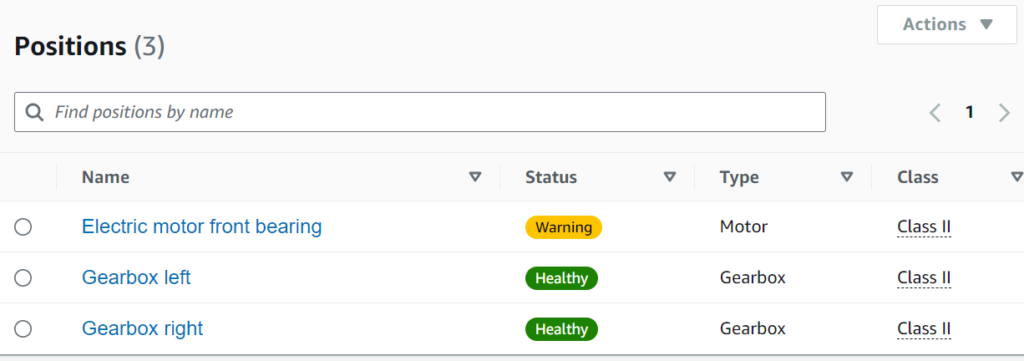
.Step 1: Assess Your Needs
Before diving into setup, evaluate which machinery and components are critical to your operations. Identify key areas where vibration and temperature monitoring will have the most impact.
Step 2: Install Sensors
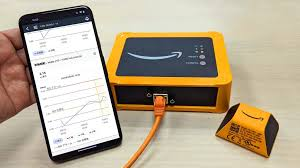
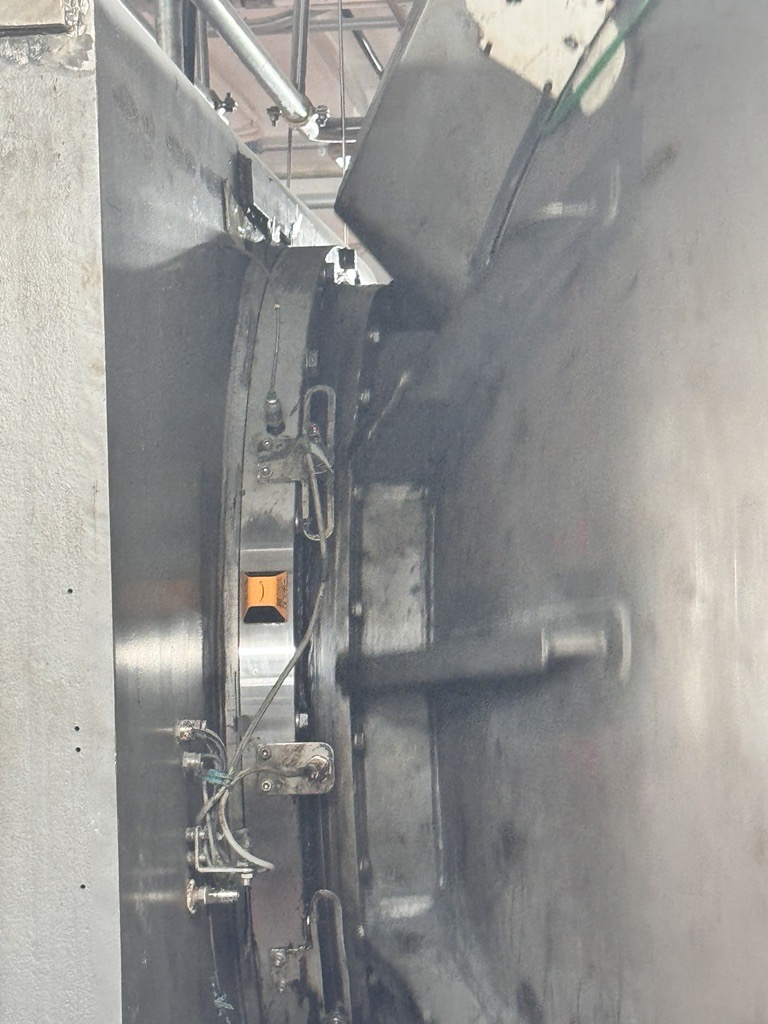
Installing the sensors is straightforward. Position them on the critical equipment, ensuring they’re securely mounted to capture accurate data. Amazon Monitron sensors are wireless, making installation easy and minimizing disruptions.
Step 3: Configure the System
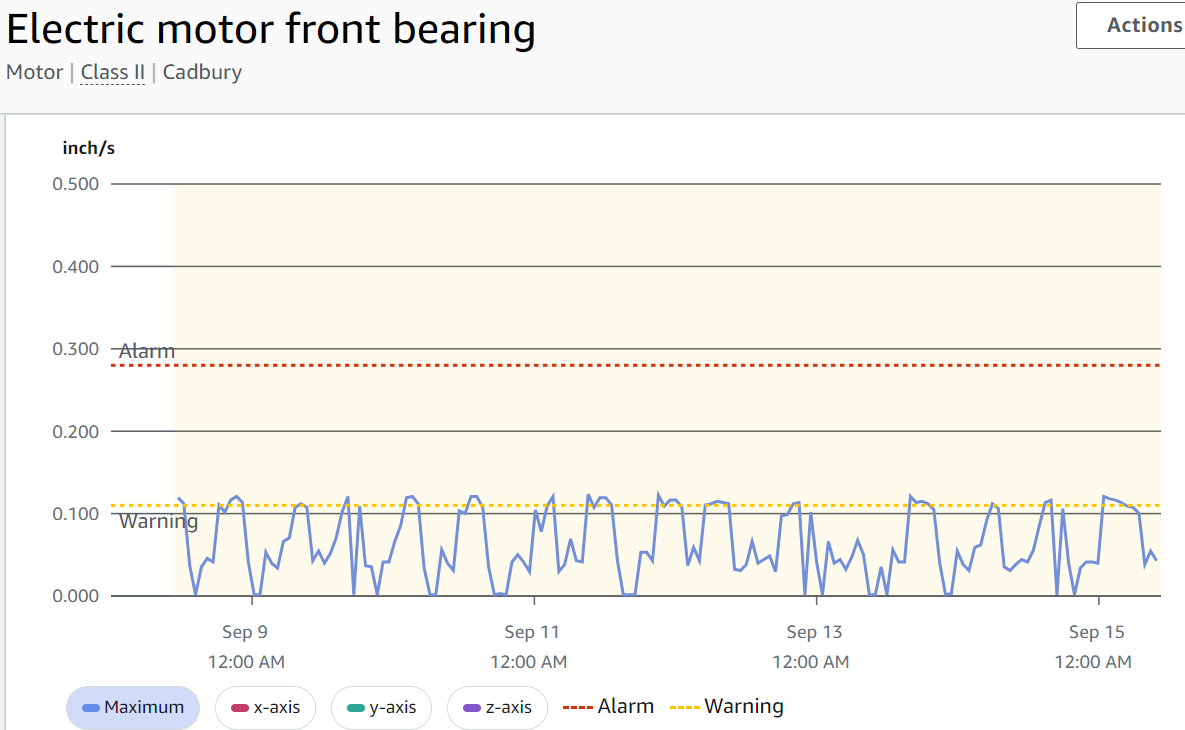
Use the Monitron app to connect your sensors to the cloud. You’ll need to configure thresholds for vibration and temperature that align with your specific equipment and operational conditions.
Step 4: Monitor and Analyze Data
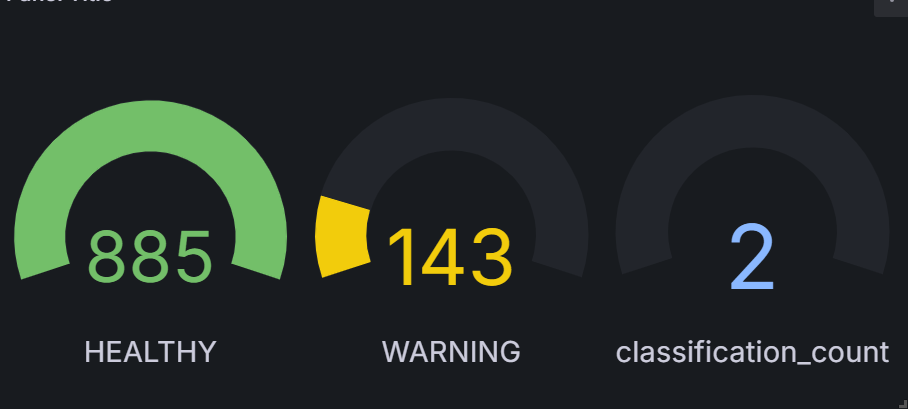
Once everything is set up, start monitoring your machinery in real-time. The Monitron system will collect data continuously, providing you with alerts if any parameters exceed the set thresholds.
Step 5: Act on Insights
The final step is to use the insights gained from Monitron to make informed maintenance decisions. This might involve scheduling preventive maintenance, replacing parts, or even adjusting operational parameters to avoid future issues.
Amazon Monitron is a powerful tool, and with this guide, you’ll be well on your way to harnessing its full potential. Ready to get started?